
Advertiser

How to create Ad CampaignHow to create UTMHow to order on MarketplaceAdvertiser’s Dashboard & Ad campaign Functions OverviewWhat is frequency cappingReports Dashboard OverviewHow to set up conversion tracking with GTMHow to Set Up Conversion TrackingHow to Target Web3 AudiencesHow to Create and Collect an AudienceHow to choose Bidding Strategy - Smart Bidding
How to add new website to Bitmedia
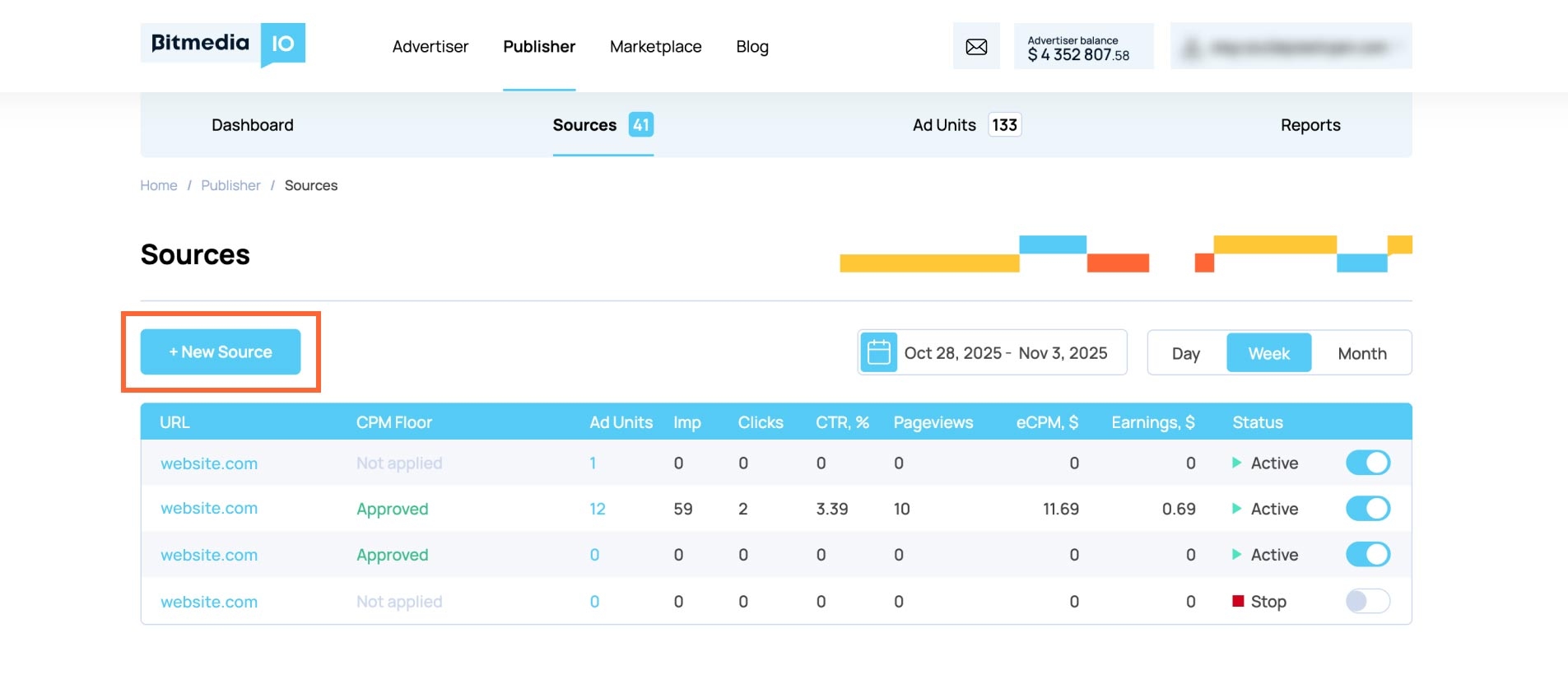
- Follow the link https://bitmedia.io/app/publisher/sites;
- Push “+ New Source”;
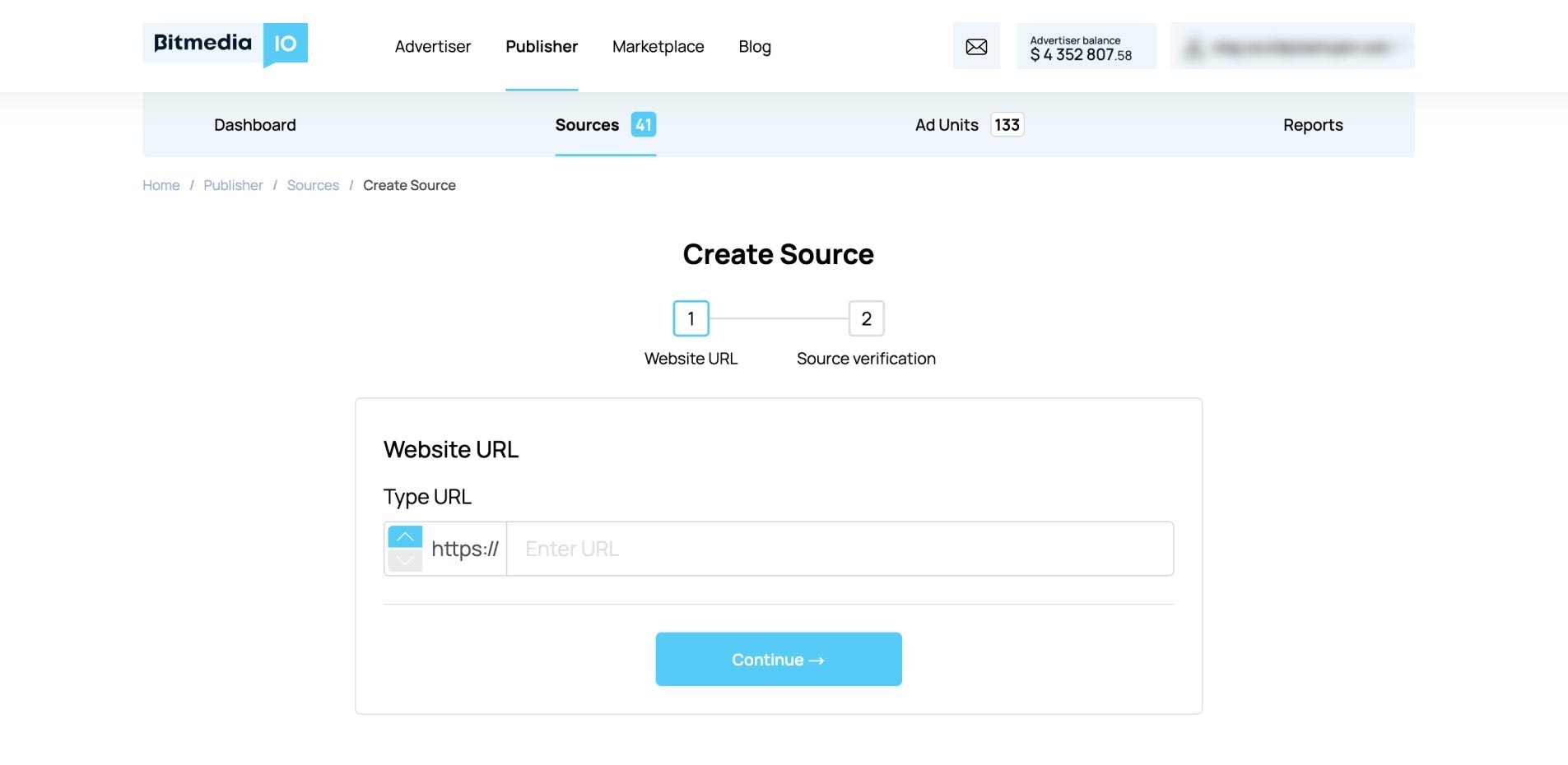
- Enter your website URL and push “Continue”.
- On the next step verify your source using this guide (Step 4): https://bitmedia.io/guides/publisher/ownership-confirmation
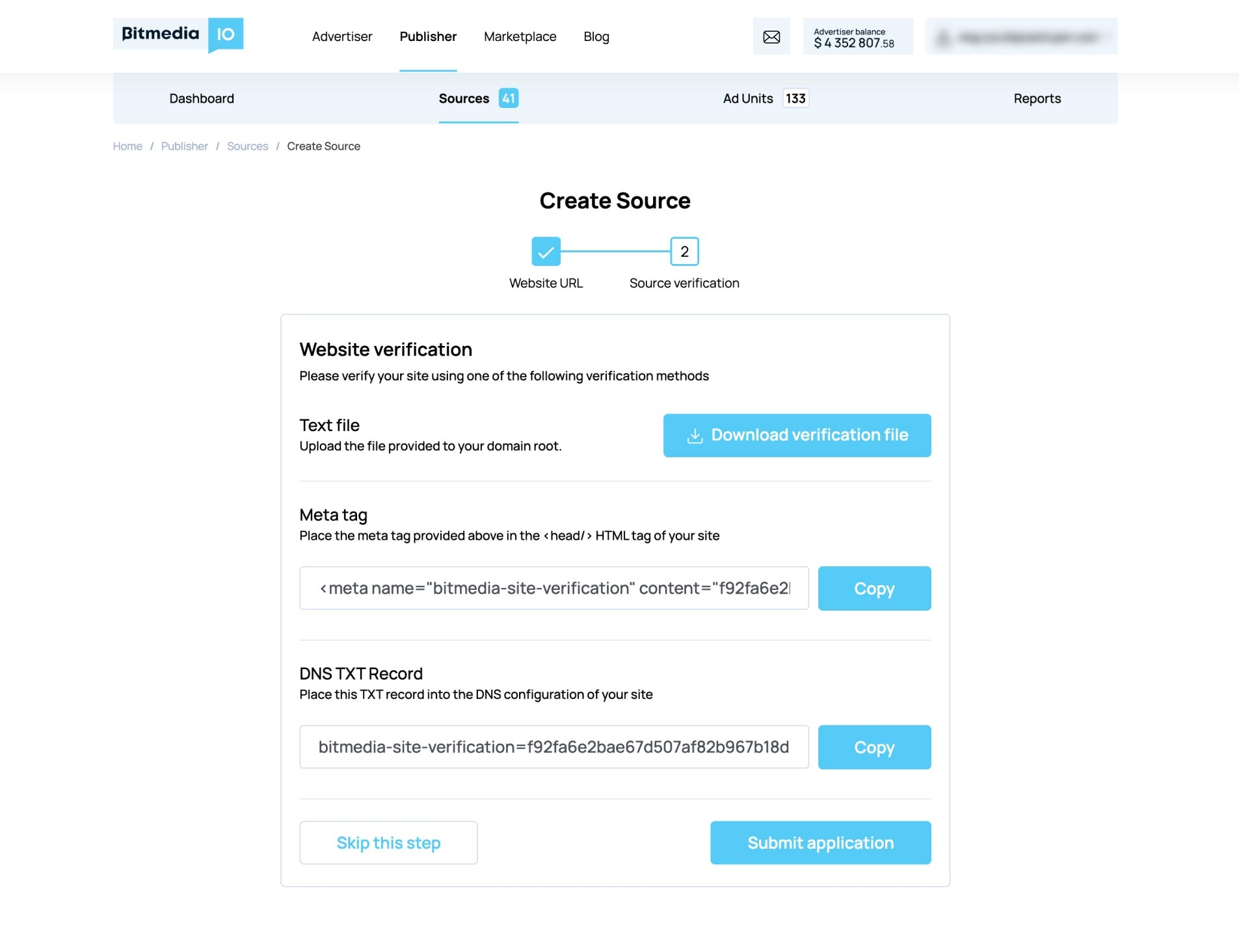
- Within 48 hours the system will review your application and you will receive an email notification about the result.